QuickPlanX for iPhone Duo — Tailored Interface Optimization for Dual Screens
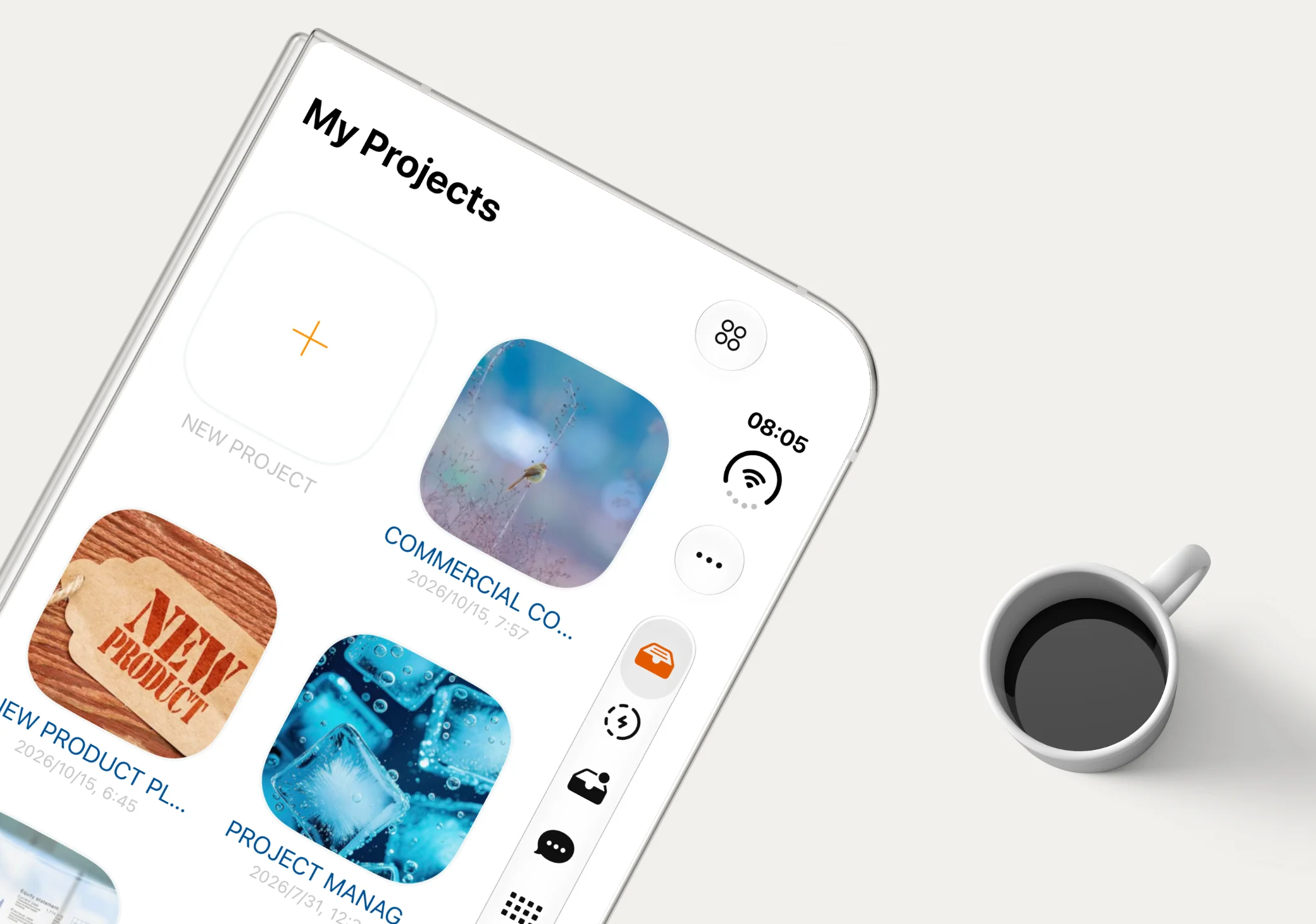
QuickPlanX is now specially optimized for iPhone Duo. Rather than settling for basic compatibility, we tailored the interface to match the characteristics and dimensions of each display — while keeping every feature fully available on both the outer and inner screens.
Full Functionality Across Both Displays
Both the outer and inner screens on iPhone Duo run the complete QuickPlanX feature set. Nothing is stripped down when the device is folded; instead, the interface layout adjusts intelligently to fit the screen you are using:
- Outer Display: Familiar iPhone Experience, Refined for Duo — When folded, the interface works just like QuickPlanX on a standard iPhone, with subtle layout refinements tuned for the outer screen's proportions. You can browse projects, edit tasks, and manage schedules with full capability right from the cover display.
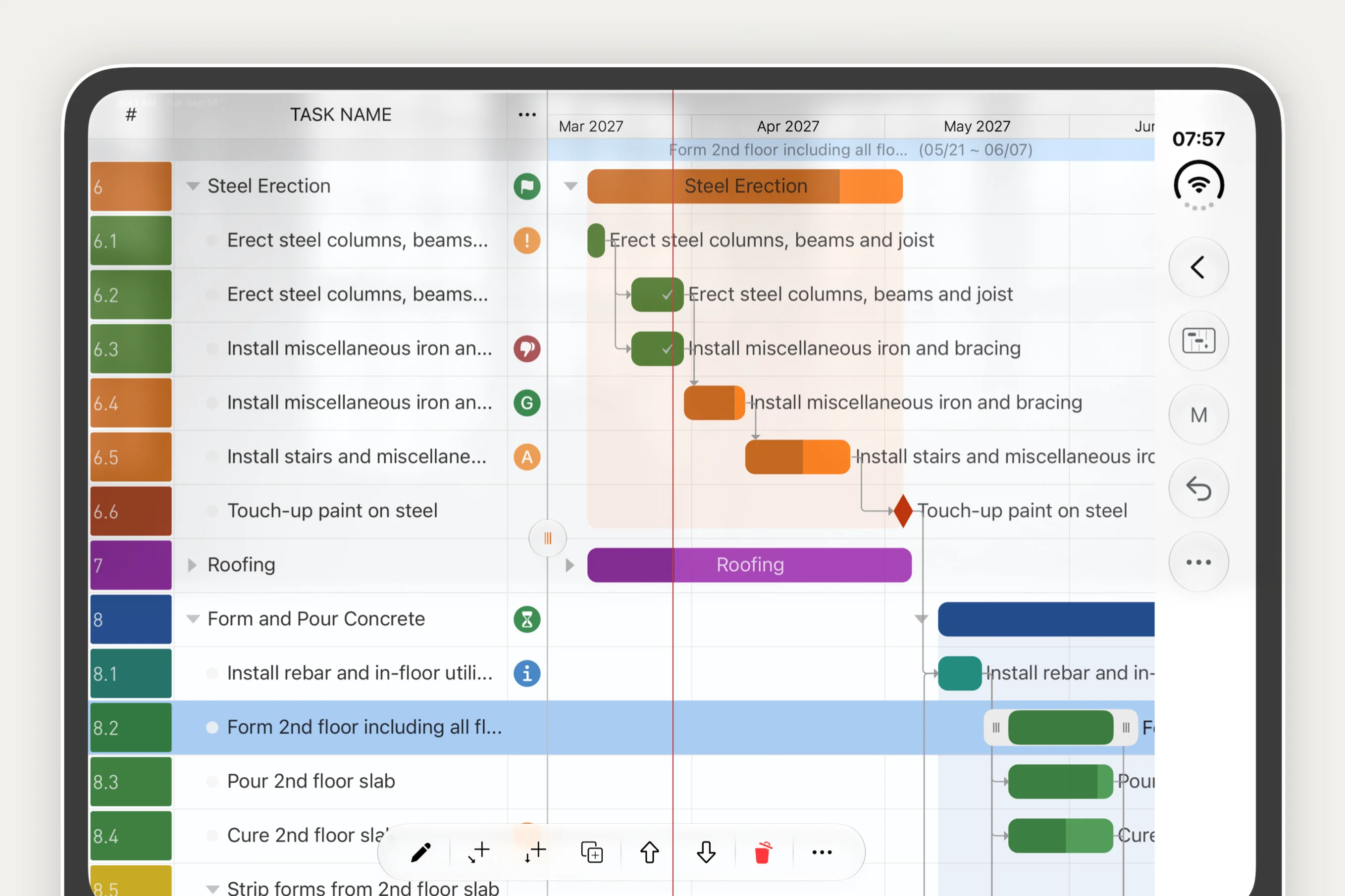
- Inner Display: Combining the Best of iPhone and iPad — When unfolded, QuickPlanX brings together the spacious split-pane Gantt workspace of iPad and the fast, thumb-friendly interaction of iPhone. You get a clear side-by-side view of your task outline and timeline alongside compact edge controls and a floating bottom toolbar tailored for handheld use.
Seamless Transition as You Fold and Unfold
As you switch between the outer and inner screens on iPhone Duo, QuickPlanX adjusts its layout smoothly without interrupting your work. Whether you prefer the compact, familiar iPhone-style interface on the outer display or the combined iPhone-and-iPad experience on the unfolded inner canvas, QuickPlanX gives you a complete, native Gantt chart and project planning workflow on iPhone Duo.