In-Progress View — See All Your Active Tasks at a Glance
· One min read
We are thrilled to announce the release of QuickPlanX 2.0.
This update introduces the In-Progress View — a brand-new panel in the QuickPlanX welcome window that shows every task currently in progress, across all your projects, in one consolidated view.
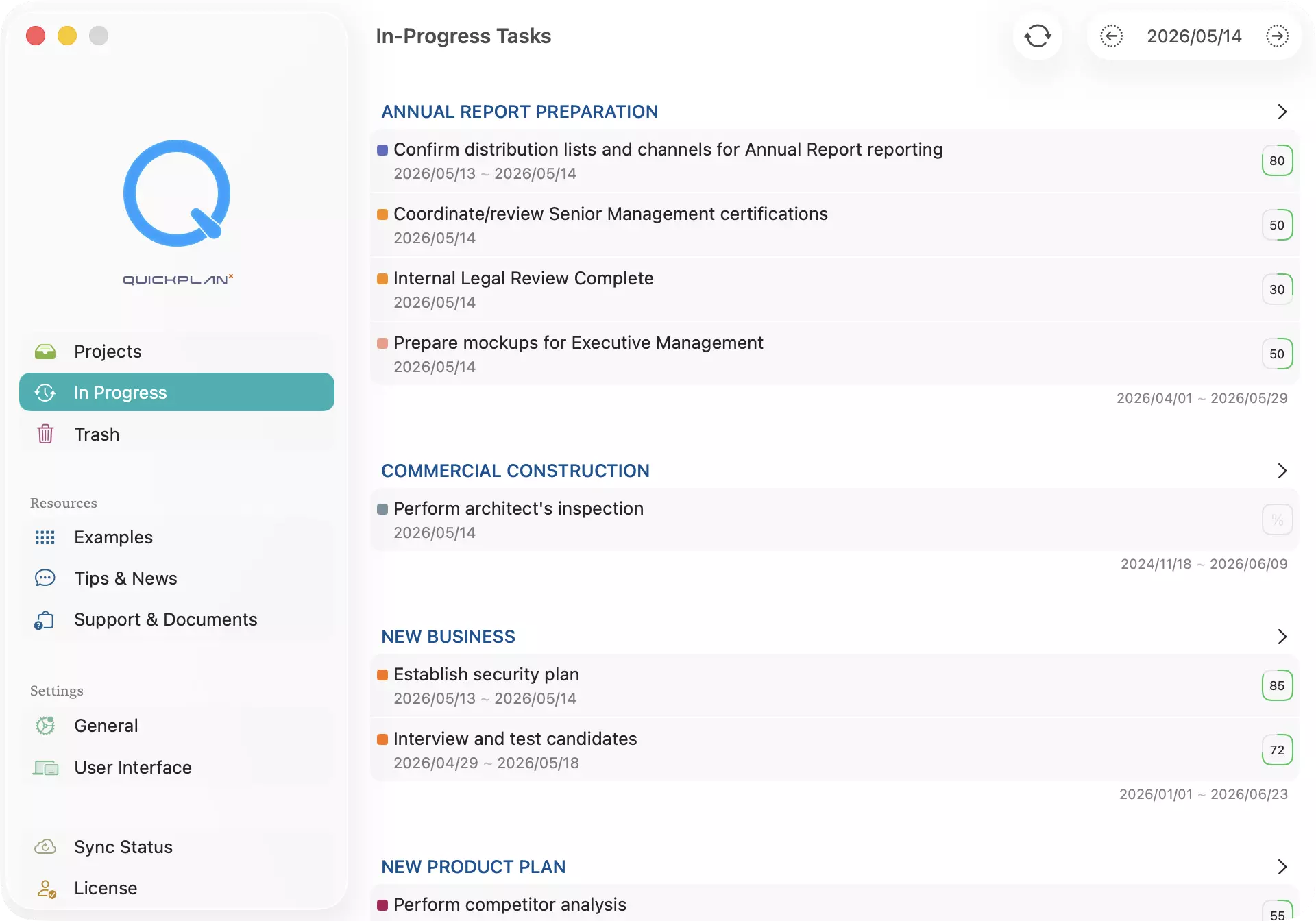
No more jumping between projects to track what's active. The In-Progress View groups tasks by project so you can see at a glance what is running and where it belongs — all from a single, focused screen.
What's new in 2.0:
- Daily task dashboard — see all in-progress tasks for today by default, or browse any date using the arrow buttons in the toolbar.
- Cross-project visibility — tasks are grouped by project, giving you immediate context without switching views.
- One-tap navigation — tap any task to jump directly to it inside its project.
- Manual refresh — after editing tasks, tap the Refresh button to reload the latest data instantly.